TOTP প্রমাণীকরণকারী — দুই-ফ্যাক্টর প্রমাণীকরণ কোড

InetTools অ্যান্ড্রয়েড অ্যাপ
TOTP প্রমাণীকরণকারী
QR কোড দ্বারা বা ম্যানুয়ালি অ্যাকাউন্ট যোগ করুন এবং সরাসরি আপনার ডিভাইসে এককালীন TOTP কোড তৈরি করুন।
অ্যাপ প্যাকেজ: net.inettools.totp. গোপনীয়তা নীতি.
কেস ব্যবহার করুন
ক্লাউড অ্যাকাউন্ট ছাড়াই 2FA কোড
TOTP প্রমাণীকরণকারী দ্বিতীয় ফ্যাক্টরের সাথে সামঞ্জস্যপূর্ণ অ্যাকাউন্টগুলিকে সুরক্ষিত করতে সাহায্য করে এবং প্রতিটি কোডের জীবনকাল দেখায়।
QR কোড এবং ম্যানুয়াল সেটআপ
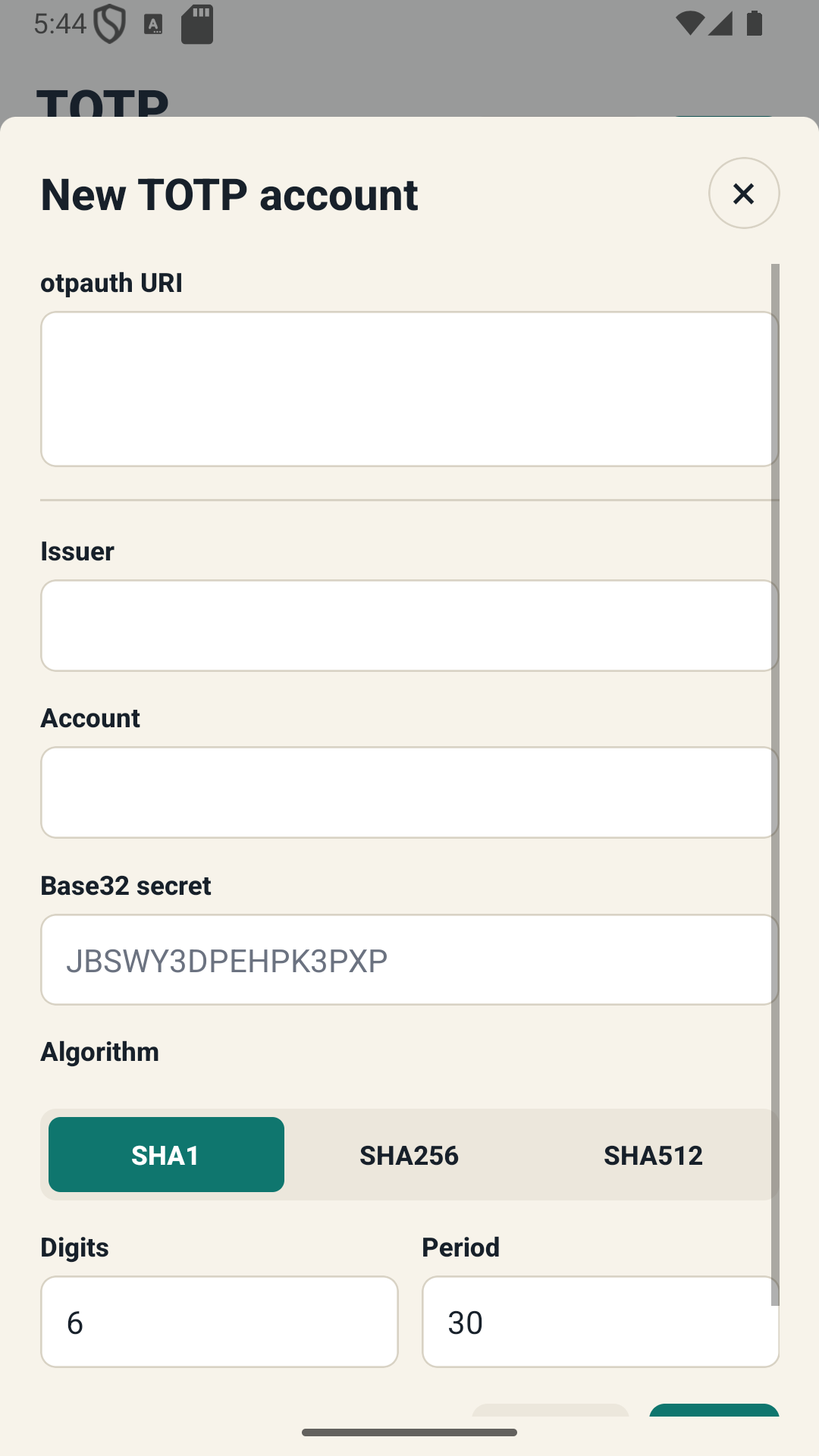
একটি QR কোড স্ক্যান করে বা একটি গোপন প্রবেশ করে সামঞ্জস্যপূর্ণ TOTP অ্যাকাউন্ট যোগ করুন।
লাইভ ওয়ান-টাইম কোড
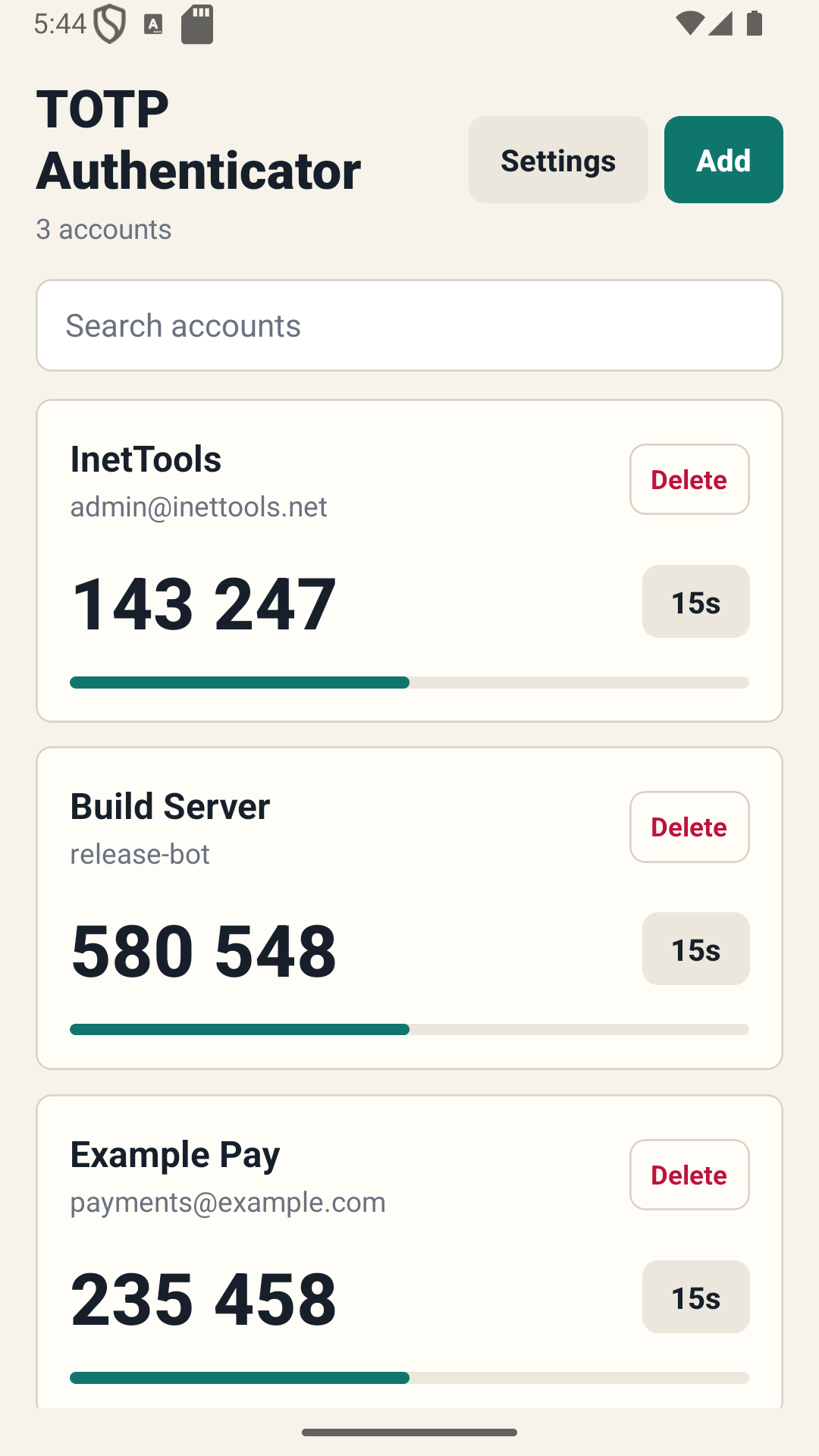
বর্তমান কোড এবং রিফ্রেশ হওয়ার আগে বাকি সময় দেখুন।
স্থানীয় স্টোরেজ
প্রমাণীকরণকারী ডেটা একটি প্রয়োজনীয় ক্লাউড অ্যাকাউন্ট ছাড়াই ডিভাইসে থাকে।
থিম এবং সেটিংস
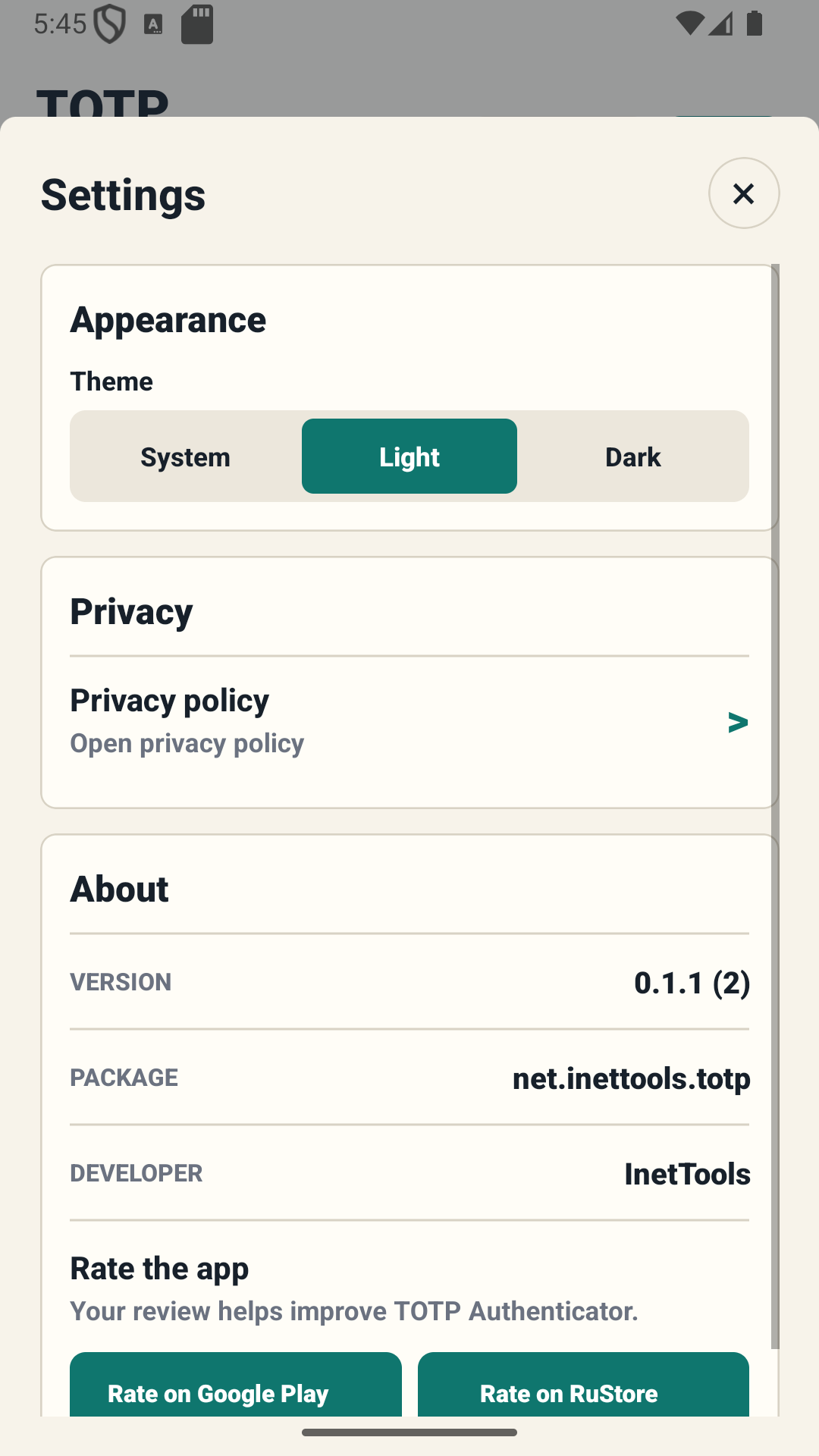
অ্যাপের চেহারা এবং আচরণ সামঞ্জস্য করুন।
ইন্টারফেস
অ্যাপের স্ক্রিনশট
অ্যাকাউন্ট কোড, অ্যাকাউন্ট সেটআপ এবং অ্যাপ সেটিংস।
গুরুত্বপূর্ণ
গোপন কীগুলির সুরক্ষা প্রয়োজন
কখনই QR কোড, গোপন কী বা ব্যাকআপ শেয়ার করবেন না। পুনরুদ্ধার কোড বা ব্যাকআপ ছাড়া একটি ডিভাইস হারানো আপনার অ্যাকাউন্ট থেকে লক আউট হতে পারে.
2FA সক্ষম করার আগে
পরিষেবা পুনরুদ্ধার কোডগুলি সংরক্ষণ করুন এবং সেটআপ সম্পূর্ণ করার আগে উত্পন্ন TOTP কোড যাচাই করুন৷
গোপনীয়তা নীতি খুলুনTOTP প্রমাণীকরণকারী — দুই-ফ্যাক্টর প্রমাণীকরণ কোড
InetTools অ্যান্ড্রয়েড অ্যাপ স্থানীয়ভাবে TOTP অ্যাকাউন্ট সংরক্ষণ এবং এককালীন দ্বি-ফ্যাক্টর প্রমাণীকরণ কোড তৈরি করার জন্য।